
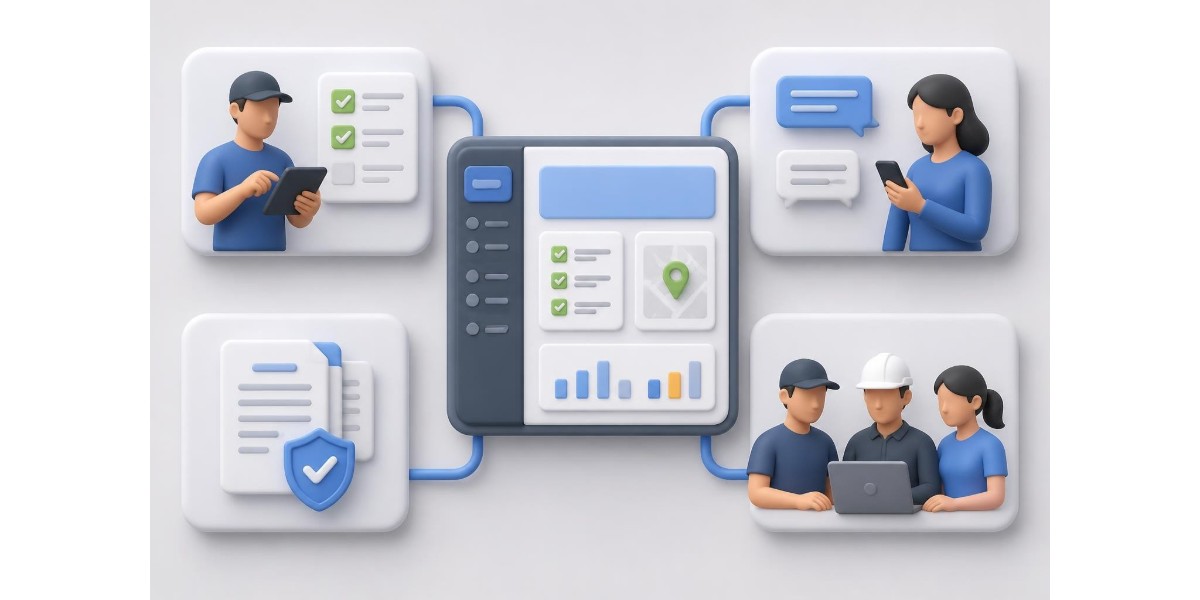
The modern professional landscape demands efficiency, and nowhere is this more evident than in the development of specialised mobile applications. Whether you're managing field operations, coordinating teams, or ensuring compliance with industry standards, a job app serves as the digital backbone of contemporary business operations. For electricians and compliance professionals working with SANS 10142-1 certificates, understanding what makes a job app truly effective can transform daily workflows and client relationships. This article explores the critical components, design principles, and security considerations that distinguish exceptional job applications from mediocre ones.
Understanding the Core Purpose of a Job App
A job app fundamentally differs from generic productivity tools by addressing specific workflow challenges within particular industries. These applications must balance multiple user needs whilst maintaining simplicity and speed.
The primary function revolves around task management, documentation, and communication. For electrical compliance work, this means capturing site data, generating certificates, and sharing documentation with clients seamlessly. Time efficiency becomes paramount when professionals charge by the hour or juggle multiple site visits daily.
Modern job applications need to accommodate varying connectivity conditions. Field professionals frequently work in locations with poor network coverage, requiring robust offline functionality that syncs automatically when connection returns. This capability prevents lost work and eliminates duplicate data entry.
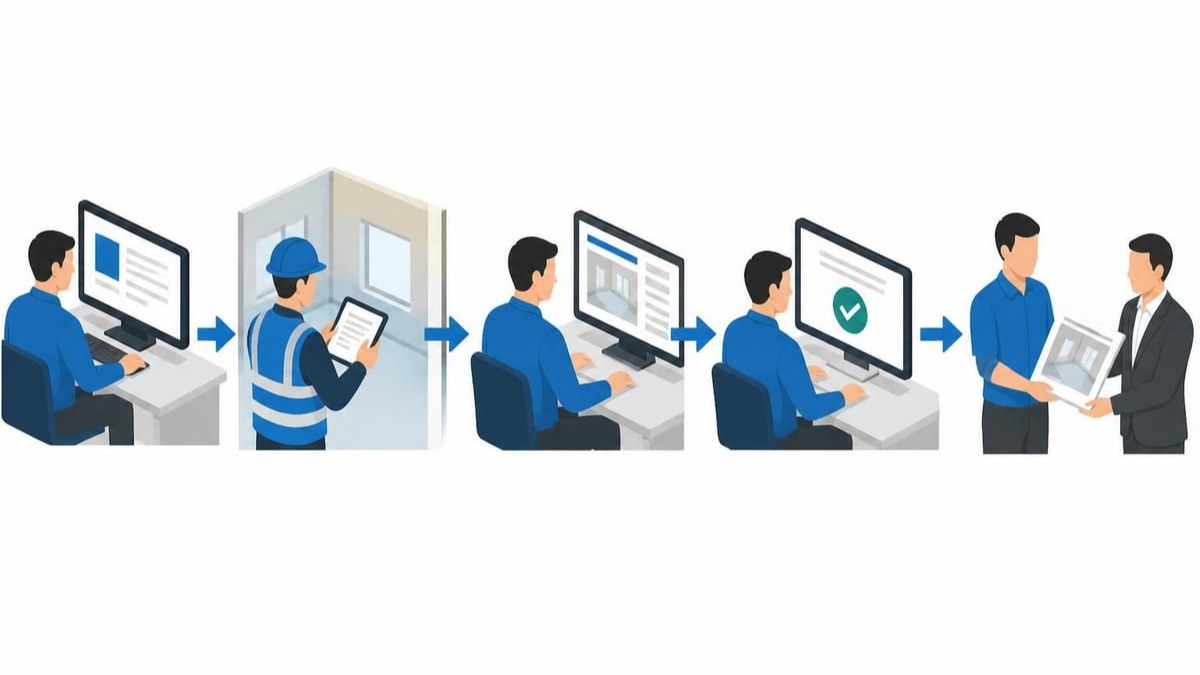
Essential Features That Define Effectiveness
Building a job app requires careful selection of features that directly support user workflows without creating unnecessary complexity. The following elements form the foundation of successful applications:
Data Capture and Documentation
- Voice-to-text functionality for hands-free note-taking during inspections
- Photograph integration with automatic attachment to specific jobs
- Template systems that reduce repetitive data entry
- Form validation to catch errors before submission
Digital certificates and compliance documents demand absolute accuracy. Biometric signatures provide authentication that paper-based systems cannot match, whilst maintaining legal validity for official documentation.
Client Communication Channels
Modern professionals require flexible communication options that respect client preferences. Some clients prefer WhatsApp, others favour email, and many appreciate direct web-based access. A job app should accommodate these preferences without forcing professionals to maintain multiple communication threads.
The ability to share signature links via clients' preferred channels streamlines approval processes. Rather than scheduling additional site visits for signatures, professionals can send secure links that clients access remotely, review documentation, and sign electronically.
| Feature Category | Business Impact | Implementation Priority |
|---|---|---|
| Offline capability | Prevents work stoppage in low-connectivity areas | Critical |
| Document generation | Reduces completion time by 40-60% | Critical |
| Team collaboration | Improves communication and reduces errors | High |
| Template library | Eliminates repetitive tasks | High |
| Client portal access | Enhances professional image | Medium |
Design Principles for Professional Applications
User experience determines whether a job app becomes an essential tool or abandoned software. Effective UI/UX principles prioritise intuitive navigation and minimalist interfaces that don't overwhelm users with unnecessary options.
Onboarding and Learning Curve
First impressions matter significantly in professional software adoption. The onboarding process should demonstrate immediate value whilst teaching core functionality progressively. Contextual help that appears when users need it proves more effective than lengthy tutorials that must be completed before starting work.
Progressive disclosure reveals advanced features as users become comfortable with basic operations. This approach prevents cognitive overload whilst ensuring powerful capabilities remain accessible to experienced users.
Research demonstrates that UX design significantly influences retention rates, with well-designed applications achieving substantially higher long-term engagement. For field professionals, this translates to consistent usage that improves operational efficiency over time.
Mobile-First Considerations
Field professionals primarily access job apps through smartphones and tablets. Touch targets must be appropriately sized for gloved hands or outdoor conditions. Critical actions require confirmation to prevent accidental data loss, whilst routine tasks flow smoothly without interruption.
Responsive design ensures functionality across device sizes without compromising usability. What works on a large tablet might frustrate users on a smartphone unless the interface adapts intelligently to screen dimensions.
Security and Compliance Requirements
Professional job applications handle sensitive client information, proprietary business data, and legally binding documentation. Security cannot be an afterthought or optional feature.
Authentication and Access Control
Multi-factor authentication provides robust protection without creating friction for legitimate users. Mobile application security practices emphasise layered approaches that combine biometric verification, device recognition, and encrypted communications.
Role-based access control becomes essential for team environments. Not every team member requires full access to all jobs, clients, or administrative functions. Granular permissions prevent accidental data exposure whilst maintaining collaborative workflows.

Data Protection and Privacy
Compliance with data protection regulations affects how job apps collect, store, and process information. The POPIA framework in South Africa mandates specific handling of personal information, including client details and biometric signatures.
Encryption in transit and at rest protects data throughout its lifecycle. Cloud storage must employ enterprise-grade security measures with regular vulnerability assessments. Backup systems ensure business continuity whilst maintaining the same security standards as primary storage.
Overcoming Common Development Challenges
Creating a job app involves navigating technical and operational obstacles that can derail projects. Common challenges in job portal app development include balancing feature richness with performance, managing real-time data synchronisation, and maintaining consistency across platforms.
Balancing Complexity and Usability
The temptation to include every conceivable feature conflicts with usability principles. Professional users value applications that excel at core functions over those offering mediocre implementations of numerous capabilities.
Feature prioritisation requires understanding actual workflows rather than theoretical requirements. Field testing with real professionals reveals which capabilities matter daily and which features sound impressive but see minimal use.
Performance Optimisation
A job app that lags or crashes undermines professional credibility. Response times must remain consistent whether handling ten jobs or ten thousand. Database queries require optimisation, and resource-intensive operations should occur asynchronously without blocking user interaction.
Battery consumption matters significantly for mobile applications used throughout workdays. Efficient code, intelligent syncing schedules, and appropriate use of device capabilities extend operational time between charges.
Integration and Ecosystem Considerations
Standalone applications rarely serve modern business needs effectively. A job app should connect with existing business systems without requiring complex manual data transfers.
Document Management Integration
Professional workflows often require combining multiple documents. The ability to merge certificates, reports, and annexures into single PDF files simplifies client deliverables and maintains organised records.
Integration with cloud storage services ensures documents remain accessible across devices whilst maintaining version control. Automatic backup prevents data loss from device failure or theft.
Accounting and Invoicing Connections
Job completion should flow seamlessly into billing processes. Exporting job details, hours worked, and materials used to accounting systems eliminates duplicate data entry and reduces billing errors.
Time tracking integrated into the job app provides accurate records for client billing and internal productivity analysis. This integration supports data-driven business decisions about staffing, pricing, and operational efficiency.
Accessibility and Inclusive Design
Ensuring job portal app accessibility extends usability to professionals with diverse needs and abilities. WCAG 2.2 standards provide comprehensive guidance for creating inclusive applications.
Considerations include:
- Screen reader compatibility for visually impaired users
- Adjustable text sizes without breaking layouts
- Colour contrast ratios meeting accessibility standards
- Alternative input methods beyond touchscreen interaction
- Clear error messages that explain problems and solutions
Inclusive design benefits all users, not just those with specific accessibility needs. Clear visual hierarchies, consistent navigation patterns, and thoughtful interaction design improve everyone's experience.
Team Collaboration Features
Modern professional work rarely occurs in isolation. Team collaboration capabilities transform individual productivity tools into platforms that coordinate multiple professionals efficiently.
Communication Within Job Context
Generic messaging applications lack context for professional discussions. Comments, images, and videos attached directly to specific jobs maintain organised communication threads that remain accessible long after project completion.
Team members don't require full system access to participate in job-related discussions. Limited access for administrative staff, suppliers, or subcontractors enables collaboration whilst protecting sensitive business information.
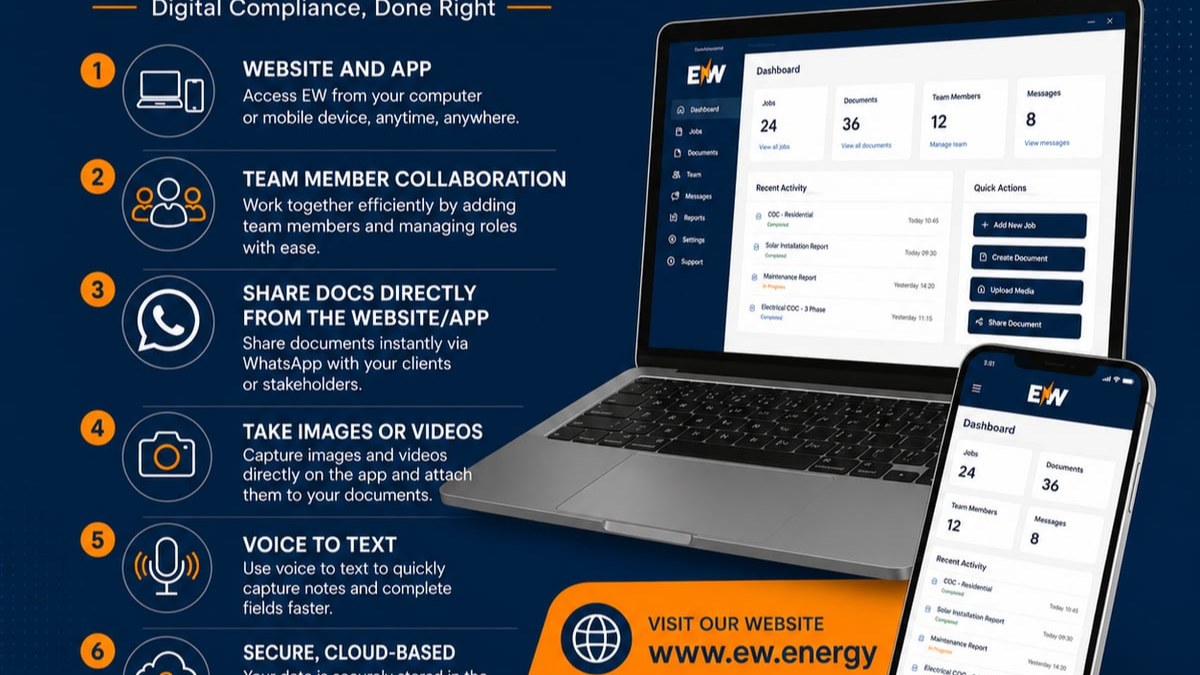
Energy Warehouse enables seamless team coordination through job-specific communication channels where text, images, and videos remain securely stored in the cloud. This eliminates the need for separate WhatsApp groups whilst ensuring all job-related information stays organised and accessible. The platform synchronises across both mobile apps and web interfaces, ensuring team members can collaborate from anywhere.
Task Assignment and Progress Tracking
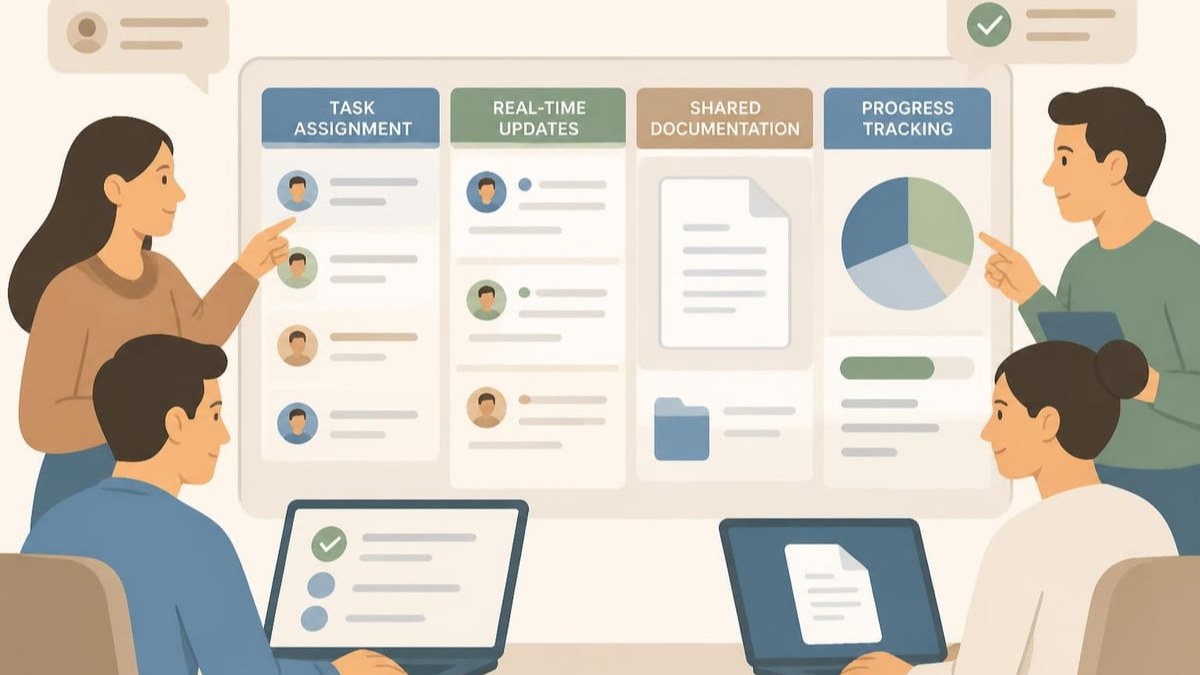
Delegating specific tasks within larger jobs requires visibility into assignment status and completion. Notification systems alert team members to new assignments without overwhelming them with irrelevant updates.
Progress tracking provides managers with operational visibility without micromanagement. Understanding which jobs are in progress, awaiting client approval, or complete enables proactive client communication and resource allocation.
Decision Points in Development Approach
Organisations considering a job app face critical choices about development methodology. Job portal development approaches range from off-the-shelf solutions through hybrid platforms to fully custom development.
Off-the-Shelf Solutions
Pre-built platforms offer rapid deployment and lower initial costs. However, they may impose workflows that don't match industry-specific requirements. Customisation options typically remain limited, potentially forcing professionals to adapt their processes to software constraints.
Custom Development
Bespoke applications address unique workflow requirements precisely but require substantial investment in time and resources. Development timelines extend significantly, and ongoing maintenance demands dedicated technical expertise.
Hybrid Platforms
Modern cloud-based platforms combine configurable frameworks with industry-specific features. This approach balances customisation capabilities with reasonable development timelines and costs. Platform updates deliver new features without requiring expensive redevelopment projects.
Emerging Technologies and Future Considerations
The job app landscape continues evolving as new technologies mature. Generative AI's impact on UX design suggests future applications may offer intelligent assistance for complex tasks, predictive job scheduling, and automated compliance checking.
Machine learning algorithms can analyse historical job data to identify patterns, predict completion times, and suggest optimal resource allocation. These capabilities remain nascent but show promise for improving operational efficiency.
Voice interfaces may eventually supplement or replace touch-based interaction for certain tasks. Natural language processing enables hands-free operation that benefits professionals working in challenging environments.
Blockchain technology offers potential solutions for document verification and audit trails. Immutable records of certificate generation, modifications, and approvals could enhance trust in digital compliance documentation.
Performance Metrics and Continuous Improvement
Successful job apps require ongoing refinement based on actual usage patterns. Analytics revealing which features see regular use versus which remain neglected inform development priorities and training emphasis.
Key metrics include:
- Time from job creation to completion compared to previous methods
- Error rates in documentation requiring correction
- User adoption rates across team members
- Client satisfaction scores with documentation delivery
- System uptime and reliability statistics
Regular user feedback sessions uncover friction points that analytics alone might miss. Understanding why professionals develop workarounds or avoid certain features guides meaningful improvements.
Implementation Best Practices
Successfully deploying a job app requires more than technical excellence. Change management, training, and support systems determine whether adoption succeeds or fails.
Phased Rollout Strategy
Implementing across entire organisations simultaneously risks overwhelming users and support resources. Pilot programmes with early adopters provide feedback opportunities before wider deployment. Success stories from pilot users build confidence and enthusiasm among broader teams.
Training and Support
Comprehensive training accommodates different learning styles through video tutorials, written documentation, and hands-on practice sessions. Ongoing support channels ensure users can quickly resolve issues without abandoning the application.
Champions within teams who achieve proficiency early can mentor colleagues, reducing formal support burden whilst building internal expertise. Recognition programmes encouraging these champions strengthens adoption culture.
Migration from Legacy Systems
Transitioning from paper-based or older digital systems requires careful data migration planning. Historical job records may need conversion to new formats, and parallel operation periods allow verification before complete cutover.
Clear communication about transition timelines, expected disruptions, and support availability reduces anxiety and resistance. Emphasising benefits rather than simply announcing changes improves reception.
Building an effective job app requires balancing technical capabilities with genuine understanding of professional workflows, industry requirements, and user needs. From robust offline functionality through secure client communication to comprehensive team collaboration, each feature should directly address real operational challenges. Energy Warehouse demonstrates these principles by providing electricians with a comprehensive digital platform that streamlines compliance documentation, reduces completion times by up to 60%, and ensures SANS 10142-1 compliance through built-in validation and biometric security. Discover how Energy Warehouse can transform your electrical compliance workflows today.